8. Creating a batch
8.1. Why Making a Batch?
Entering the information and data files for each step, each subject can be very time consuming. Using a batch that includes all the steps will make preparing the preprocessing much faster.
8.2. How to Make a Batch?
SPM offers some batches that you can use. They are available in spm12/batches.
Click on Batch in the SPM menu, then from the batch window, click the icon to open files, navigate in /usr/local/spm12/batches, and select preproc_fmri.m

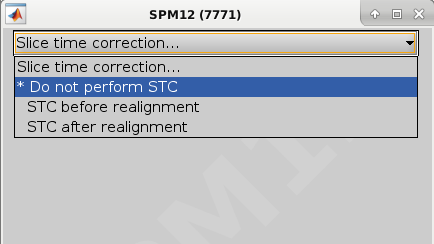
In the bottom left window, in the Slice timing correction menu, select Do not perform STC
Then enter the number of runs when asked for Number of Sessions. A batch with all the preprocessing steps will be created. Note that only the first two steps contain <-X. You will need to input some information there. The other step use dependencies from the output of previous steps.
